


How To Apply For Your UAE Visa Online

Applying for a UAE visa online takes about ten minutes. Follow the five steps below — choose your country, pick a visa type, fill in the form, pay securely, and track your application until the e-visa lands in your inbox.

How to apply in five simple steps

01

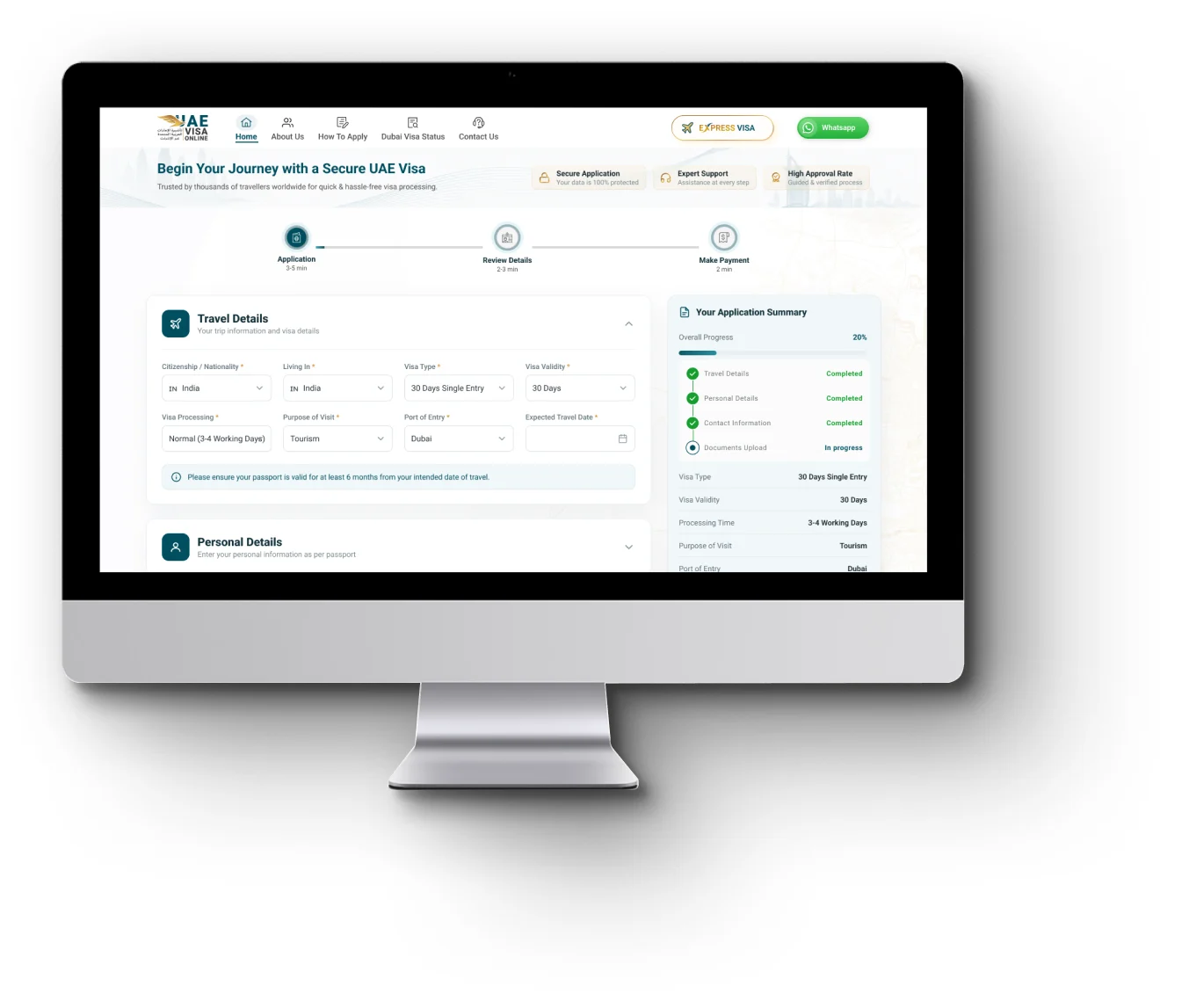
Choose Your Citizenship And Residence Country

Start by telling us which passport you hold and which country you are travelling from. UAE visa requirements depend on both, so picking them first means you only ever see the visa options that actually apply to you.
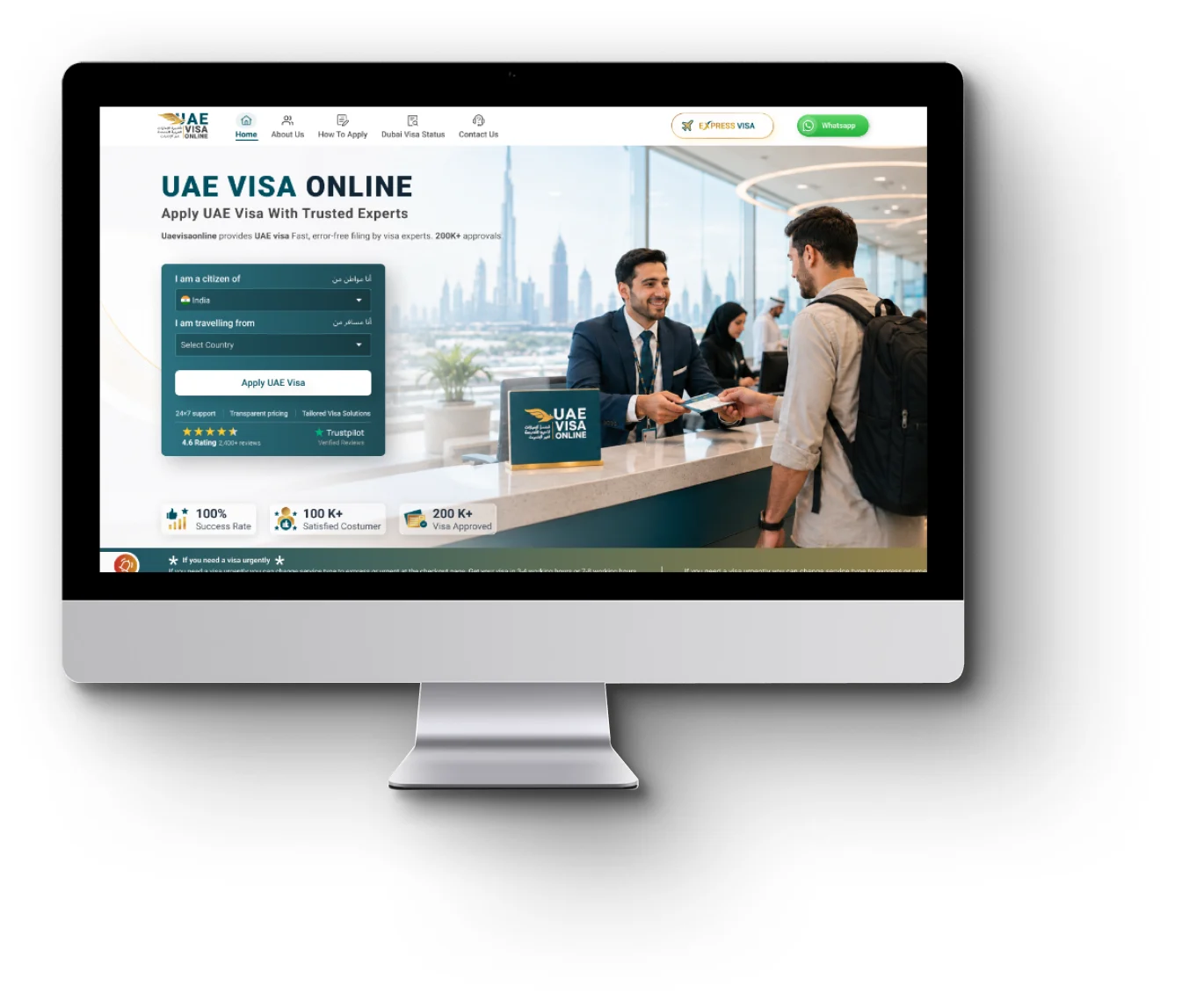

Step 01: Choose Your Citizenship And Residence Country — application screen preview
02

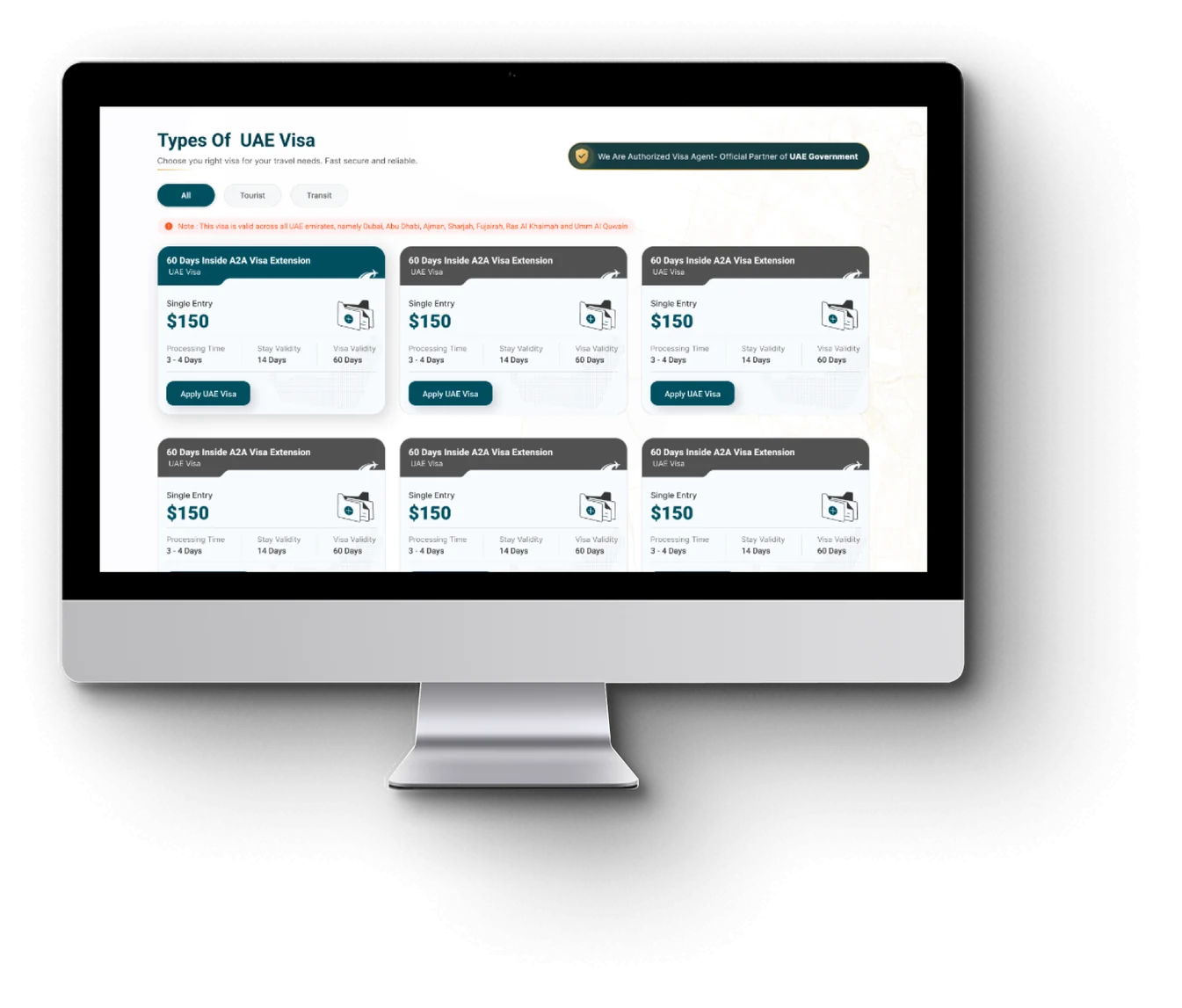
Select Your UAE Visa Type

Compare tourist, transit, and business visas side by side — from 48-hour and 96-hour transit visas to 30, 60, and 90-day tourist visas, in single-entry and multiple-entry versions. Every option shows its fee, validity, and permitted stay upfront, so there are no surprises later.

Step 02: Select Your UAE Visa Type — application screen preview
03

Fill In The Visa Application Form

The form asks only for what immigration actually needs — your personal and passport details, plus a passport scan and photograph. Travelling as a family or group? Add every applicant to the same application and submit them together. Everything you enter is protected by SSL encryption.

Step 03: Fill In The Visa Application Form — application screen preview
04

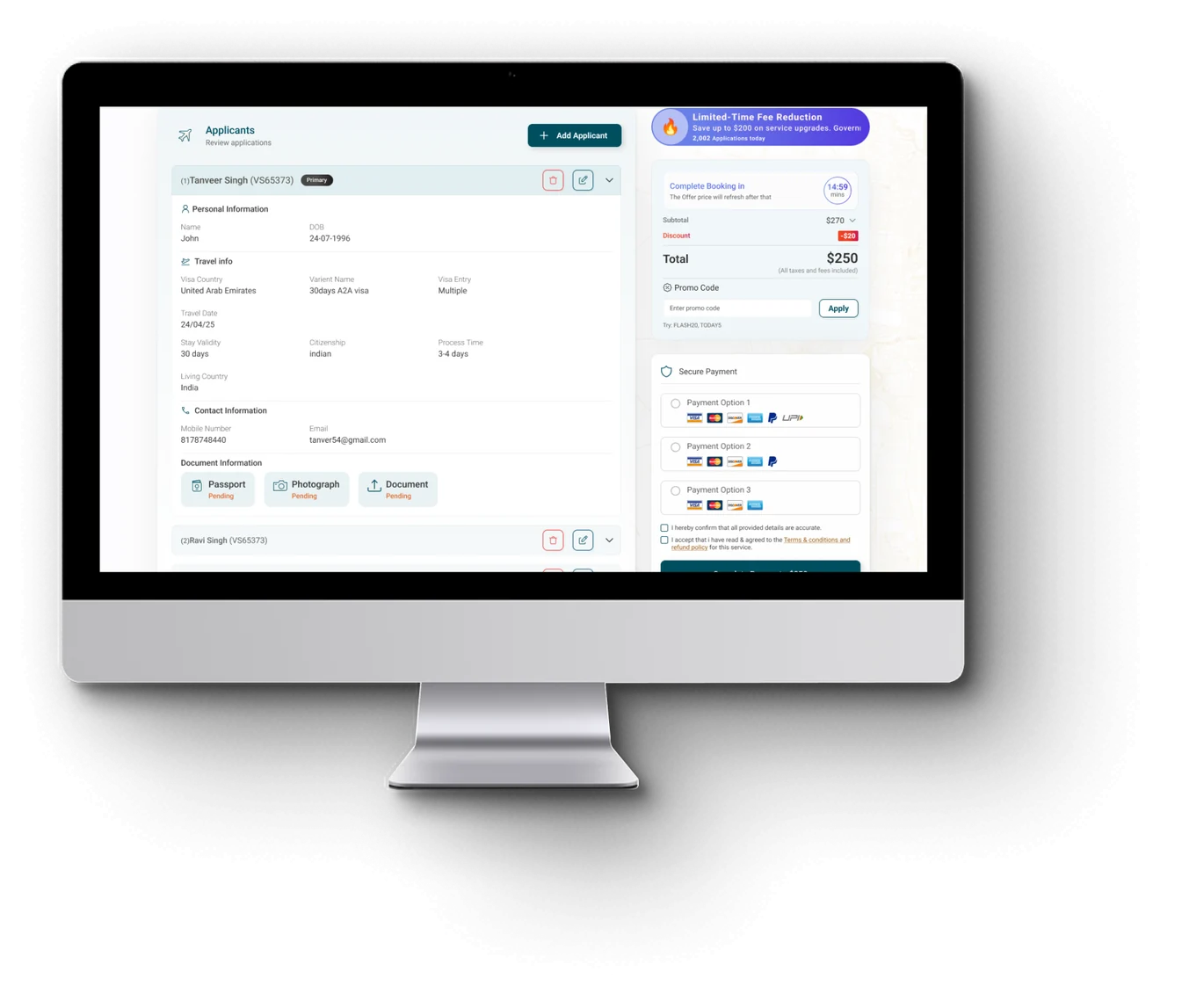
Pay The Visa Fee Securely

Pay through our encrypted checkout using the payment method that suits you. The amount you see is the amount you pay — no hidden charges — and a confirmation with your application reference arrives by email the moment payment goes through.

Step 04: Pay The Visa Fee Securely — application screen preview
05

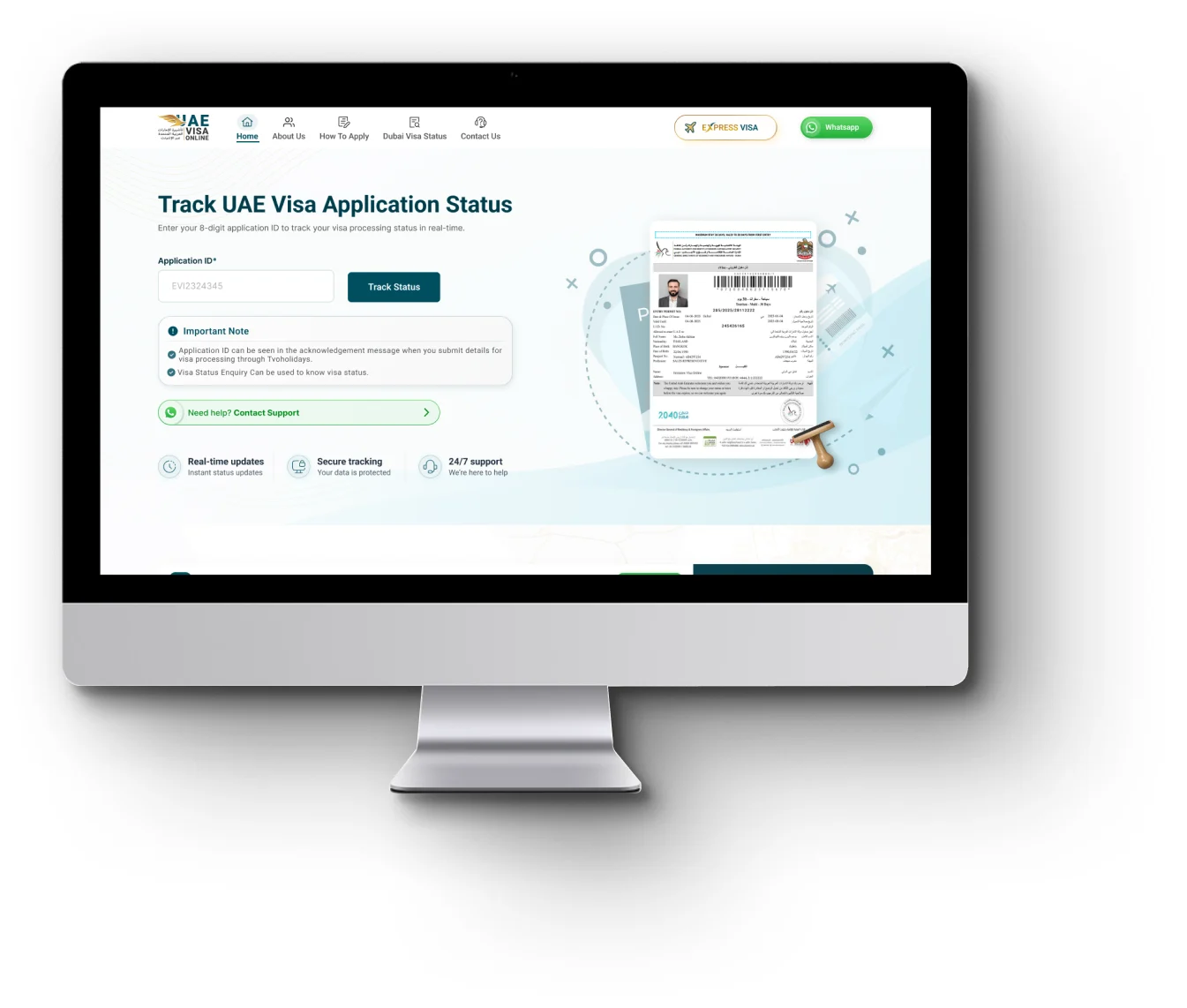
Track Your Status And Download Your e-Visa

After submission, check your visa status any time using your passport number and application ID. We notify you at every stage, and once your visa is approved you can download it instantly — a copy also goes straight to your email.

Step 05: Track Your Status And Download Your e-Visa — application screen preview