

Every expatriate, tourist, and job seeker arriving in the UAE has one thing in common — at some point, someone asks for your UAE visa file number and you have no idea where to find it.
Maybe your bank is asking for it. Maybe your Emirates ID application is stuck. Maybe you just want to check your UAE visa status online using your passport number and the portal keeps asking for a file number you never saved. Or perhaps you received your visa digitally and you are searching — where exactly is the file number on an e-visa PDF?
You are not alone. Thousands of people search every day for answers like how to find file number in UAE visa, what the 3 digit number on a visa means, how to check visa file status in UAE online, and what happens when the status shows pending. Yet most articles give half answers that leave you more confused than before.
This complete 2026 guide covers everything — from understanding what each digit in your UAE visa file number format means, to locating it on your physical passport stamp or digital e-visa, to checking your full visa file status online through GDRFA and ICA Smart Services in minutes. Whether you hold a Dubai 201 visa, an Abu Dhabi 101 visa, a 501 Umm Al Quwain visa, or a Ras Al Khaimah 601 visa file number this guide works for every emirate, every visa type, and every situation
Why is the UAE Visa File Number Important?
The UAE visa file number, also known as the Unique Visa Serial Number, is an alphanumeric code assigned to every visa issued in the United Arab Emirates. It acts as a critical identifier in the immigration system, linking your personal details, visa type, duration of stay, and entry status.
Whether you are applying for a UAE tourist visa, employment visa, or residency visa, your visa file number ensures that immigration authorities can track, verify, and manage your visa record with accuracy.
Your UAE visa file number is more than just a reference code — it is the foundation of your legal identity in the UAE system:
- Identification & Verification — Confirms your legal immigration status instantly
- Residency Tracking — Helps authorities verify whether you hold a valid entry permit or residency visa
- Linked to Emirates ID — The visa file number is directly integrated into the Emirates ID system, which is why emirates Id status can be checked using your file number
- Access to Services — Required for banking, healthcare, schooling, and all official government transactions
- Administrative Use — Simplifies monitoring of overstays, fines, and visa renewals across all seven emirates
Important: Your visa file number changes every time a new visa is issued. Your UID number, however, stays permanent for life — more on this below.
Where to Find Your UAE Visa File Number — Passport, E-Visa and App
This is the most searched question — and it has three different answers depending on how your visa was issued.
On a Physical Visa Stamp or Sticker (Passport)
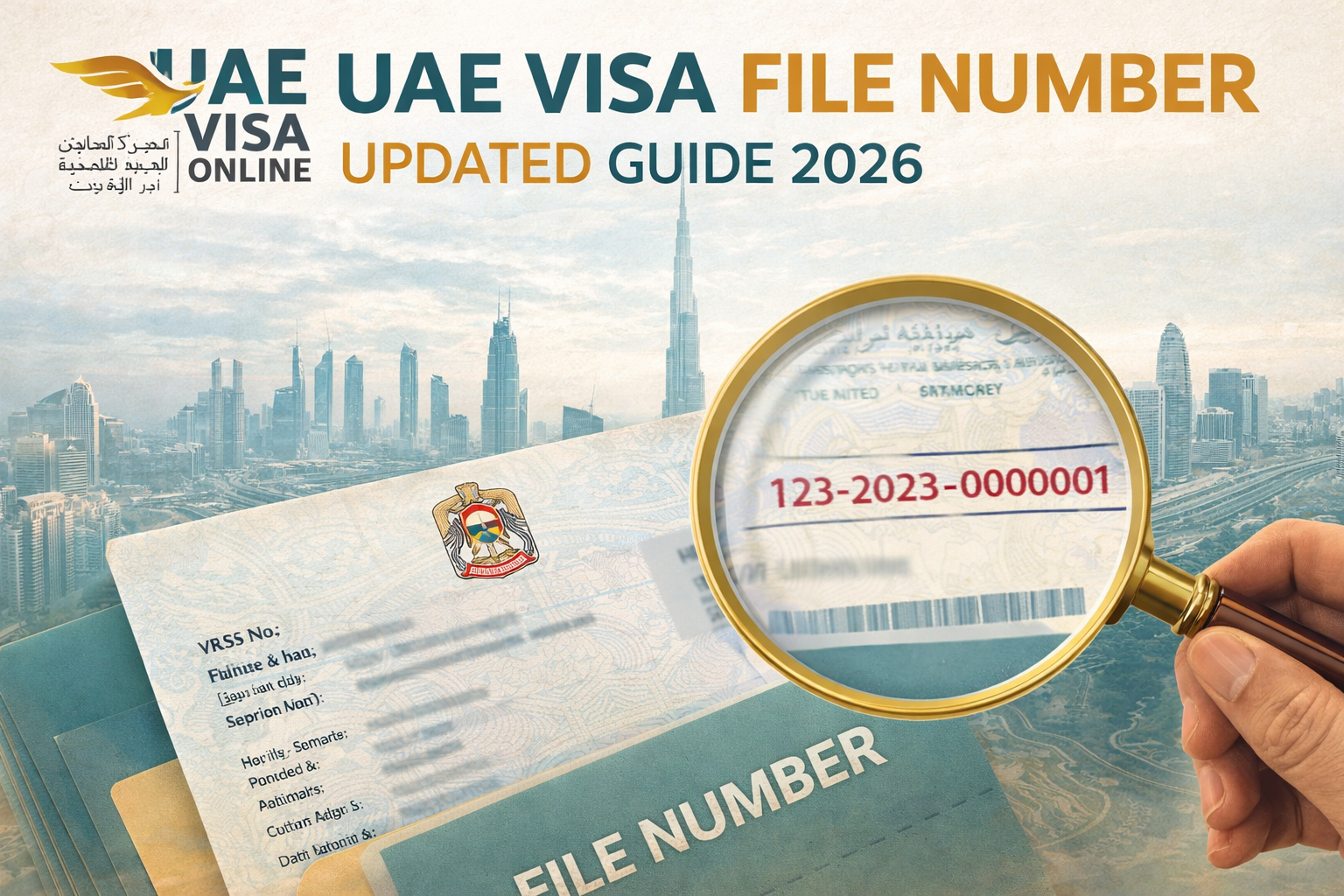
Your UAE visa file number appears on the visa sticker or stamp inside your passport. It is printed as an alphanumeric sequence directly under the visa holder's personal details section.
- On a tourist visa → appears as
201/2026/1234567 - On a residence visa → printed near your entry permit details, sometimes labeled as "File No." or "Visa No."
Also Read - UAE residence visa renewal for employment guide
Where Is the File Number on an E-Visa PDF
Since most UAE visas in 2026 are issued digitally, knowing where the file number appears on an e-visa is critical. On your e-visa PDF document:
- Open your e-visa PDF received via email or downloaded from the portal
- Look for the field labeled "Visa Number" or "File Number" — it appears in the top section of the document
- It follows the same format:
201/2026/XXXXXXX - On some e-visas it may appear as an 8-digit number without the emirate prefix — this is your unique serial number only
If you cannot find your e-file number — log in to the GDRFA or ICA portal using your passport number and it will display your full file number instantly.
What Is the 8 Digit Visa Number
Some UAE visa documents display an 8-digit visa number — this is an extended version of the unique serial number that includes a check digit added by the system. It is the same visa, just displayed in a slightly different format depending on which portal or document type generated it. Both the 7-digit and 8-digit versions refer to the same visa record.
Also Read- How to find the uae visa number and uid number guide
UAE Visa File Number Format: What the 3 Digits, 6 Digits, and Full Number Mean
This is where most people get confused — and where understanding the format saves you time every single time you need to use your number.
The UAE visa file number format follows a structured pattern:
Example: 201/2026/1234567
- 201 — This is the 3-digit emirate code showing which emirate issued your visa
- 2026 — The year your visa was issued
- 1234567 — Your unique 7-digit visa serial number
So when someone asks "what is the 3 digit number on a visa" — it is your emirate code. And when someone asks "what are the first 6 digits of a visa number" — it is your emirate code + issuing year combined.
Complete Emirate Code List — UAE Visa File Numbers
| Code | Emirate |
|---|---|
| 101 | Abu Dhabi |
| 201 | Dubai |
| 301 | Sharjah |
| 401 | Ajman |
| 501 | Umm Al Quwain |
| 601 | Ras Al Khaimah |
| 701 | Fujairah |
So if your file number starts with 501 — your visa was issued by Umm Al Quwain immigration. If it starts with 601 — it is a Ras Al Khaimah visa file number. This is why emirate-specific numbers like 501 and 601 appear different from Dubai (201) or Abu Dhabi (101) visa numbers — same format, different issuing authority.
Visa Type Prefixes
- Family visa (sponsored by relatives) — starts with 3/
- Employment visa (company-sponsored) — starts with 2/
- Abu Dhabi & Sharjah visas — often formatted as
2/1234567with a slash after the first digit
UAE Visa File Number vs UID Number — The Difference You Must Know
Many applicants confuse the visa file number with the UID (Unified Identification Number) — and this confusion causes real problems during Emirates ID applications and visa renewals.
| UAE Visa File Number | UID Number | |
|---|---|---|
| Changes? | Yes — new number with every new visa | Never — permanent for life |
| Linked to | One specific visa only | All your visas + Emirates ID |
| Used for | Visa tracking and verification | Emirates ID, residency, all government services |
| Format | 201/2026/1234567 | Single permanent number |
How to Check UAE Visa File Number and Status Online in 2026
You can verify your UAE visa file number and check your complete visa file status online through two official government portals — using just your passport number, no Emirates ID required.
Method 1 — Check via GDRFA Portal (Dubai Residents)
- Visit the GDRFA website (gdrfad.gov.ae)
- Select "Visa Inquiry Services"
- Choose "Unified Number Inquiry"
- Enter your passport number, nationality, and date of birth
- Submit and your visa file number + current status will display instantly
Also Read -GDRFA security deposit refund guide
Method 2 — Check via ICA Smart Services (All Emirates)
- Go to the ICA eChannels platform (ica.gov.ae)
- Select "Visa Status Inquiry"
- Enter your UID number or passport number
- Select your nationality and date of birth
- Click Search — your visa file number, validity, and current status will appear
What Do the Visa Status Results Mean
When you check your file status online, here is what each result means:
| Status | Meaning |
|---|---|
| Approved / Active | Your visa is valid and currently in force |
| Pending | Your visa application is still being processed by immigration — wait 3 to 5 working days |
| Expired | Your visa validity has ended — renewal or exit required immediately |
| Cancelled | Visa has been officially cancelled — contact your sponsor or employer |
"Pending" on a visa check means your application has been submitted but not yet approved by immigration authorities. It does not mean rejected — it simply means the process is still in progress.
Common Issues, Tips & How We Help
Your visa file number is simple to use — but small mistakes can cause big delays.
UAE Visa File Number Not Showing on the Online Portal
This is one of the most common problems UAE residents face. If your file number is not visible on GDRFA or ICA portal, the most likely reasons are:
- Incorrect passport number or issuing year entered — double check every digit
- Your visa was issued less than 7 working days ago — system takes time to update
- Technical errors during peak travel seasons — try again after 24 hours
- Your visa was issued in a different emirate — use ICA instead of GDRFA for non-Dubai visas
Avoid Confusing UAE Visa File Number With UID Number When Applying
Thousands of applicants enter their UID number where the file number is required — and this causes instant rejection on portals. Remember:
- Your visa file number changes with every new visa — format is
201/2026/XXXXXXX - Your UID number is permanent and never changes — it is a single reference number
- Emirates ID applications ask for UID — visa status checks ask for file number
- When unsure — use your passport number instead, both portals accept it
Where to Find UAE Visa File Number on E-Visa PDF When It Is Not Visible
If you received your visa digitally and cannot locate the number:
- Open your e-visa PDF and look for the field labeled "Visa No." or "File No." at the top
- It appears in the format
201/2026/XXXXXXX— same as physical stamp - On some e-visas it shows as an 8-digit number without the emirate prefix — this is still your file number
- If still not visible — log in to ICA Smart Services with your passport number to retrieve it instantly
Official Portal to Use for UAE Visa File Number Check Based on Your Emirate
Using the wrong portal wastes time and shows incorrect results:
- GDRFA (gdrfad.gov.ae) — Dubai visa holders only
- ICA Smart Services (ica.gov.ae) — All seven emirates including Abu Dhabi, Sharjah, RAK, Fujairah, Ajman, UAQ
- MOHRE (mohre.gov.ae) — Employment visa holders for work permit linked checks
Applying for a UAE visa and want zero errors? UAE Visa Online handles your complete application — documentation, tracking, and 24/7 support — so your visa gets approved fast without any hassle.
Also Read - Check UAE Labour Contract Online
Conclusion
Your UAE visa file number is your gateway to every essential service in the Emirates — from visa status checks and Emirates ID linkage to banking, tenancy, and smooth travel.Whether you hold a Dubai 201, Abu Dhabi 101, or Ras Al Khaimah 601 visa — the format is the same, the portals are free, and the entire process takes less than 5 minutes.Save your number the moment you receive your visa, use ICA Smart Services for all emirates, and never confuse your file number with your permanent UID.
Need a UAE visa without the hassle? Apply Through UAE Visa Online — fast, secure, and error-free.